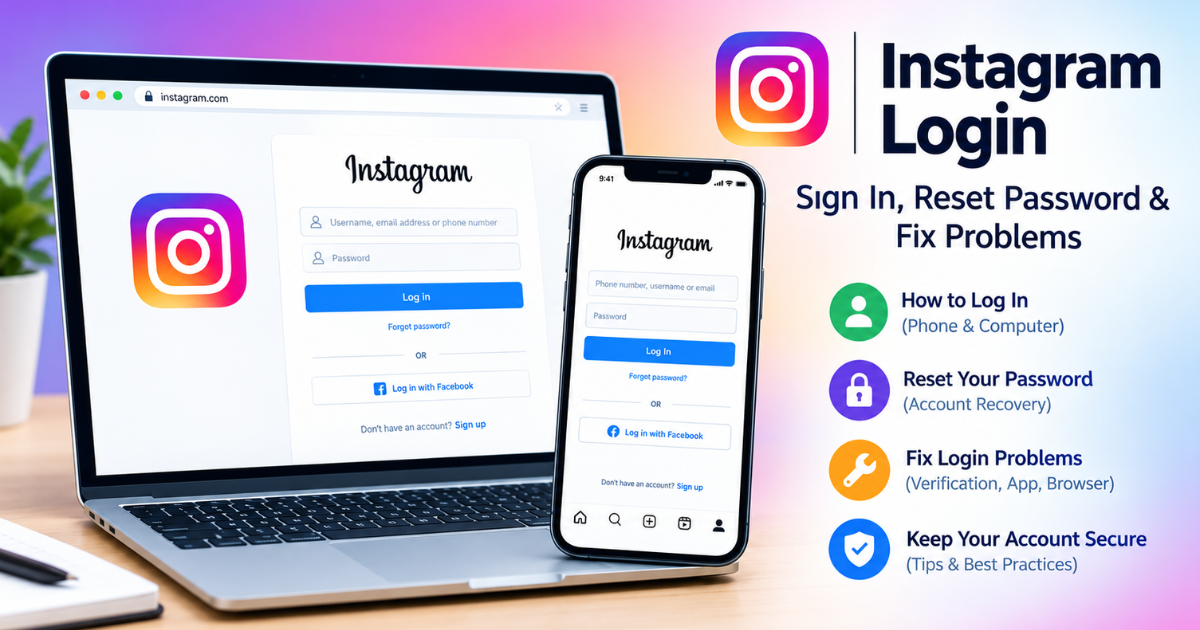
Instagram Login: How to Sign In, Reset Your Password, and Fix Login Problems
Need to complete an Instagram login? The quickest route is to open the official Instagram website or app and enter your username, email address, or phone number, along with your password. Instagram can also ask for an additional security check when you sign in.
For most users, logging in takes only a few seconds. The harder part is knowing what to do when the password is forgotten, a verification code does not arrive, or you no longer have access to the email address or phone number connected to the account.
This guide covers all of those situations in one place.
Quick Answer: How to Log In to Instagram
To log in to Instagram, open the official Instagram website at instagram.com or launch the Instagram app. Enter your username, email address, or phone number, enter your password, and select the login option. If Instagram asks for a security or verification code, complete that additional step before access is granted.
Official Instagram: instagram.com
How to Log In to Instagram on a Phone
The Instagram mobile app is the simplest option for regular users.
Android
- Open the official Instagram app.
- Enter your username, email address, or phone number.
- Enter your password.
- Tap the login button.
- Complete any verification step Instagram shows.
Make sure the app comes from the official Instagram developer. On Android, the official app is available through Google Play, and Meta notes that some Instagram features can vary by country or region.
iPhone
On iPhone, open Instagram from the App Store and sign in with your account credentials. The official iOS listing identifies Instagram as an app from Instagram, Inc. and describes it as a Meta service.
Before entering your password, check that you are using the genuine application rather than an unofficial app that asks for your Instagram credentials.
How to Log In to Instagram on a Computer
You do not need to rely exclusively on the mobile app. Instagram also works through a web browser.
Open a current browser such as Chrome, Edge, Firefox, or Safari and go to:
Then enter your Instagram credentials and continue through any security verification that appears.
The web version provides access to core Instagram functions, although the exact interface and available features can differ from the mobile application and can change over time.
Before entering your password
Check the address bar carefully.
You should be on the official Instagram domain before entering your credentials. Avoid logging in through links sent in unexpected messages, emails, comments, or advertisements.
A fake login page can look almost identical to the real service while attempting to capture your password.
What Can You Use for Instagram Login?
Depending on your account and the current login flow, Instagram can accept account identifiers such as:
| Login detail | What it means |
| Username | Your Instagram account username |
| Email address | The email associated with the account |
| Phone number | A phone number connected to the account |
| Password | Your account password |
| Verification method | An additional security step when requested |
The exact prompts can vary by device, account, security settings, and Instagram’s current interface.
For account recovery, having access to the email address or phone number associated with the account can make the process significantly easier.
Instagram Login Not Working? Try These Fixes
A failed Instagram login does not always mean that your account is gone. Work through the problem in order instead of repeatedly entering the same credentials.
1. Check your username, email, or phone number
A small spelling error can prevent a successful login.
Check:
- Username spelling
- Email address
- Country or phone number details where applicable
- Accidental spaces
- Whether you are using the correct account
If you manage multiple Instagram accounts, confirm that you are trying to enter the account you actually want to access.
2. Reset your password
If you cannot remember your password, use Instagram’s account-recovery or password-reset flow rather than repeatedly guessing passwords.
Choose the recovery option offered on the login screen and follow Instagram’s instructions.
If a reset message does not appear, check your spam or junk folder and confirm that you are checking the email account associated with Instagram.
3. Check your internet connection
A login problem can sometimes be caused by connectivity rather than incorrect credentials.
Try:
- Loading another website
- Switching between Wi-Fi and mobile data
- Restarting your router if appropriate
- Closing and reopening Instagram
- Trying the website instead of the app
This helps separate an account problem from a device or network problem.
4. Update the Instagram app
If the app is outdated or behaving unexpectedly, check for an available update in your device’s official app store.
A restart after updating can also clear temporary app problems.
5. Try another login method
If the app is failing, try the browser version.
If the website is not working, try the official mobile app.
This simple test can tell you whether the problem is specific to one device or interface.
6. Stop repeatedly submitting failed login attempts
Repeatedly entering incorrect details is unlikely to solve an account-access problem.
Instead, identify the specific failure:
- Wrong password
- Unknown username
- Missing verification code
- Lost email or phone access
- Suspicious account activity
- App or browser problem
Then use the recovery path that matches the problem.
What to Do If You Don’t Receive the Instagram Login Code
A missing security code is one of the most frustrating login situations because the password may be correct while Instagram still requires another verification step.
Start by checking:
- Your SMS messages
- Your email inbox
- Your spam or junk folder
- Your authentication app, if you use one
- Whether the phone number or email address is still accessible
- Whether you have another recovery method available
If the code is delayed, avoid repeatedly requesting many codes in quick succession. Instead, wait for the latest requested code and use the most recent valid message when Instagram sends another one.
Also make sure you are not checking an old email account or an outdated phone number.
What If You Lost Access to Your Email or Phone?
This situation needs special attention.
Instagram’s help documentation says that if you lose access to the email address or phone number used for your account, you should first try to regain access to that email account or phone number. If you can still access Instagram, you should update your account information to an email address or phone number you control.
This leads to an important distinction:
If you are already logged in: update your contact information while you still have access.
If you are completely locked out: use Instagram’s available recovery process rather than assuming that simply changing the old email somewhere else will restore account access.
Instagram also states that it cannot recover access to your external email account for you. That recovery has to be handled through the email provider.
You May Also Like: Mollygram
What If Your Instagram Account Was Hacked?
A hacked-account situation is different from an ordinary forgotten-password problem.
Warning signs can include:
- Your password suddenly stops working
- Your account email or phone information was changed unexpectedly
- You receive security notifications you do not recognize
- You see activity you did not perform
- Someone else appears to have control of the account
Use Instagram’s official account-recovery and security resources rather than paying an unknown person who claims they can “unlock” your account.
Be particularly cautious of people asking for:
- Your password
- Verification codes
- Backup codes
- Authentication codes
- Screenshots containing private security information
A legitimate recovery process should not require you to hand your login credentials to a stranger.
How to Check Recent Instagram Login Activity
Once you regain access, reviewing recent sessions can help you spot activity you do not recognize.
Current Instagram-related guidance places account session controls within the broader Accounts Center and security settings, although menus can change as Meta updates its products.
Look for areas related to:
Accounts Center → Password and security → Where you’re logged in
Depending on your version of Instagram, the exact wording or location may differ.
If you see an unfamiliar session, review the available security options and secure your account. Do not assume that a displayed location is a perfect physical location; IP-based location information can be approximate.
Instagram Login Security Tips
Successful login is only half the job. Protecting the account matters just as much.
Use a unique password.
Do not reuse the same password across Instagram and other important accounts.
A compromised password from another service can become a problem if the same password is reused elsewhere.
Turn on additional security.
Instagram supports enhanced security options, and Meta’s 2026 Meta Account update includes passkey support for Instagram. Passkeys are designed to provide an alternative to traditional passwords and can use device-based authentication such as biometrics or the device passcode.
The security features available to a particular account can vary.
Keep recovery information current.
An old email address or disconnected phone number makes account recovery harder.
Instagram recommends updating contact information when you still have account access.
Be careful with login links.
A message saying “Your account will be deleted” or “Verify your account immediately” may try to create urgency.
Before entering a password, navigate directly to Instagram instead of relying on a suspicious link.
Never share verification codes
Treat security codes as private credentials.
Someone who asks you to send them a login code may be attempting to gain access to your account.
Common Instagram Login Mistakes
Using a fake login website
This is one of the most serious mistakes because the page may be designed specifically to capture your credentials.
Go directly to the official Instagram domain whenever possible.
Confusing your display name with your username
The name shown on your profile is not necessarily the same as the account username.
Make sure you use the correct account identifier during login or recovery.
Resetting the wrong account
If you have multiple accounts, make sure the recovery email or phone number belongs to the profile you are trying to access.
Ignoring account-security messages
Unexpected password-reset or security notifications deserve attention. Do not dismiss them automatically if they were not triggered by you.
Entering credentials into third-party “recovery” services
Avoid websites or individuals that promise guaranteed account recovery in exchange for passwords, codes, or payment.
Use official Instagram and Meta recovery resources instead.
A Simple Instagram Login Troubleshooting Checklist
When Instagram will not let you sign in, go through this sequence:
Step 1: Confirm the username, email, or phone number.
Step 2: Check that the password is correct.
Step 3: Use password recovery if necessary.
Step 4: Check email, SMS, or your authentication method for a verification request.
Step 5: Test your internet connection.
Step 6: Update or restart the Instagram app.
Step 7: Try logging in through the browser.
Step 8: If you lost access to your old email or phone, use the account-recovery process.
Step 9: If you suspect hacking, treat it as a security incident instead of an ordinary login error.
This approach prevents users from jumping randomly between different fixes.
Instagram Login: What to Do in Different Situations
| Problem | First action |
| Forgot password | Start password recovery |
| Wrong username | Confirm account identifier |
| Verification code missing | Check email, SMS, or authentication method |
| App not working | Update/restart app and test the web version |
| Browser login failing | Test another browser or the mobile app |
| Lost email access | Try to recover the email account |
| Lost phone access | Use another available recovery method |
| Suspected hacking | Use official account-security recovery |
| Unfamiliar login | Review recent login sessions and secure the account |
Frequently Asked Questions
What is the official Instagram login page?
The official Instagram website is instagram.com, where you can access the web version and sign in to your account. Always check the domain before entering your credentials.
Can I log in to Instagram without the app?
Yes. You can access Instagram through a web browser on supported devices, so you don’t have to rely exclusively on the mobile app.
Why can’t I log into Instagram even though my password is correct?
A correct password does not guarantee immediate access. Instagram may require additional verification, or the problem may involve your account identifier, network connection, app, browser, or account security.
How do I reset my Instagram password?
Use Instagram’s password-recovery option from the login screen and follow the instructions for your account. If you still have access to the associated email address or phone number, recovery is generally more straightforward.
What should I do if I don’t have access to my old email address?
First, try to recover the email account through the email provider. Instagram’s help documentation specifically says that Instagram cannot recover your external email account for you.
How can I tell whether someone logged into my Instagram?
Review your account’s recent login or session information through the available security settings. Unfamiliar sessions should be investigated and secured.
Is Instagram login available on desktop?
Yes. Instagram can be used through a desktop browser, although the web interface and available features can differ from the mobile app.
Does Instagram support passkeys?
Meta announced in April 2026 that passkeys can work with Instagram as part of its updated Meta Account system. Availability and setup can depend on the account and device.
Conclusion
For a normal Instagram login, the process is simple: use the official Instagram app or website, enter your account credentials, and complete any requested verification.
When login fails, the key is to identify the type of problem rather than repeatedly trying the same password. Password recovery, verification-code problems, lost email or phone access, app issues, and suspected hacking each require a different approach.
Keep your recovery information current, use strong account security, and avoid unofficial services that ask for passwords or verification codes.
Relevant next step: Open Instagram and use the official recovery options if your normal login does not work.
One Comment